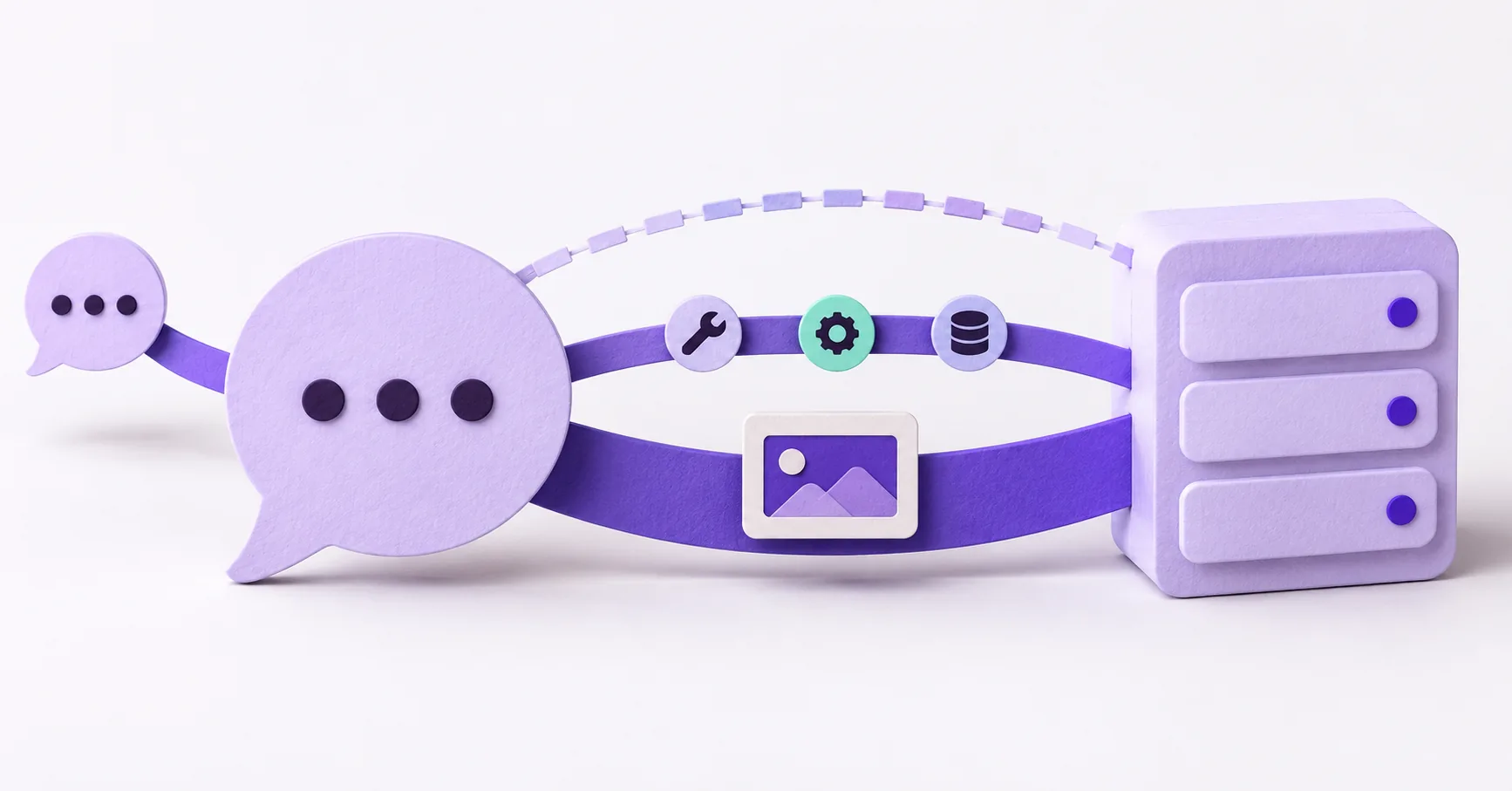
You can connect your API to ChatGPT through a custom GPT with Actions or through an MCP server. With MCP, you can start with tools that return useful text and data, then add an interactive app interface if customers need one. For a SaaS team that also wants to support Claude or other compatible clients, our recommendation is to start by designing the MCP tools and test them in each target assistant.
These choices sit at different levels. GPT Actions describe API operations inside a custom GPT. MCP provides a tool interface between an assistant and your service. A plugin packages capabilities for users to install, and an MCP-backed plugin can include optional UI. OpenAI's current plugin architecture documentation makes that relationship explicit.
This guide compares three customer experiences: a custom GPT, MCP tools without a custom interface, and MCP tools with one. Product labels and access policies can change; the connection steps below were checked against official documentation on October 9, 2026.
Option one: a custom GPT with Actions
A custom GPT gives customers a dedicated assistant inside ChatGPT. Its Actions use an OpenAPI schema to describe operations on your API. You configure the required authentication and instructions, then test the calls and the conversation. OpenAI's GPT Actions getting-started guide covers that setup.
What customers get. A named GPT they open to ask questions or perform the operations you have exposed.
What your team does. Selects the API operations, supplies the schema, configures authentication, and tests whether requests produce the right calls. Permission checks and validation still belong in your service.
What carries over. The custom GPT configuration is specific to ChatGPT. Your existing API, OpenAPI document, business rules, and test cases can still be reused when building another integration. A custom GPT does not become an MCP server simply because both can call your service.
When to choose it. You want a dedicated GPT as the entry point and do not currently need the same tool interface in other assistants.
Option two: MCP tools without a custom interface
An MCP server exposes tools with names, descriptions, input schemas, and results. Your server translates those calls into operations on your existing API. A hosted endpoint can serve compatible clients, but each client's transport, authentication, account policies, and supported capabilities need testing.
Customers might ask to search a catalogue, look up an order, or create a support follow-up. The assistant calls the relevant tool and explains the result in the conversation. A custom visual component is optional; OpenAI documents MCP servers that return structured results and model-readable text without one. See its plugin architecture guide.
Your team decides which operations become tools, implements authorization and validation, and operates the endpoint. You can also have a provider do that work: API to Agents offers a managed MCP server. Compare the operational choices in our MCP server hosting guide.
This is our recommended starting point when the core workflow can be completed through conversation. It keeps the first release focused on whether customers can actually use the service.
Option three: add an app interface to the MCP tools
Sometimes customers need to compare several records, select an item, or edit a structured form. You can add a visual component to an MCP-backed experience while retaining the underlying tools.
OpenAI supports the open MCP Apps UI standard and recommends starting with that shared standard before adding ChatGPT-specific extensions. That creates opportunities for reuse, but does not guarantee that every assistant supports the same UI or extensions. Keep a useful text or data result alongside the interface and test each target host. See optional UI in OpenAI's architecture guide.
For example, a support service could display matching tickets as selectable cards. Selecting a ticket helps the customer inspect it; it does not replace the server's permission check when a later action changes that ticket.
API to Agents lists an optional MCP App UI as a separate scope item on the pricing page. The interface adds work to the integration; it is not required for every tool.
Connect a remote MCP server to ChatGPT
For a customer-facing hosted integration, prepare a stable HTTPS MCP endpoint, commonly ending in /mcp. Confirm that its tools, schemas, results, and account authorization work before connecting it to ChatGPT.
The current custom-server flow is:
- Open ChatGPT Plugins, select the plus button, then Add custom MCP server.
- Give the connection a name and description, and enter the public MCP endpoint under the connection settings.
- Configure authentication, review the permissions and risk notice, then choose Create as a plugin.
- Review the discovered tools, install the resulting plugin, and select it with
@in a new conversation. - Test representative requests and check the actual tool arguments and results.
Account and workspace policies apply. Connecting your own server for testing is also distinct from submitting a public plugin listing. OpenAI's connection and testing guide explains the current flow, endpoint requirements, metadata refresh, and evaluation steps.
A worked example: find a ticket and create a follow-up
Consider an illustrative support SaaS with three tools: search_tickets, get_ticket, and create_followup. This is an example design, not a customer case or a claim that API to Agents supplies these particular tools by default.
A customer asks: "Find Acme's open delivery ticket and add a follow-up asking for the tracking number."
First, the assistant searches the records the connected customer is allowed to see. If several tickets match, it asks the customer to choose. Next, it retrieves the selected ticket using its returned identifier, such as T-104, so the response uses the current record rather than a guessed status.
Before the write, the experience presents the target ticket and proposed follow-up text for confirmation. The server validates permission again when create_followup runs, uses an idempotency mechanism to avoid duplicate follow-ups after a retry, and returns the created record's identifier. If creation fails, the assistant should report that failure rather than claim the task is complete.
The same workflow can be presented as a custom GPT, as conversational MCP tools, or as MCP tools accompanied by a ticket-selection interface. The business rules remain server responsibilities in every presentation.
Can the same MCP server work in Claude?
Claude supports custom connectors backed by remote MCP servers. Its custom connector documentation describes adding a server URL, configuring authentication, and enabling the connection. That offers a way to reuse the server rather than rebuild the underlying API integration.
Still, test the complete workflow in Claude separately. A shared protocol does not guarantee identical tool selection, approval prompts, or UI behavior. Test search results, ambiguous requests, expired credentials, and write confirmations in both assistants before promising customers support for both.
What to build first
Choose a custom GPT if that dedicated ChatGPT entry point is the product you want to offer. Choose an MCP server if you want a reusable tool interface for compatible assistants. Add UI where selecting, comparing, or editing information makes the workflow easier.
For any route, do the same core design work:
- Select a small set of useful API actions.
- Write tool descriptions with clear boundaries.
- Enforce record permissions on reads.
- Handle duplicate writes and honest errors.
- Run an evaluation set covering successful requests, ambiguity, denied access, and retries.
If you want help scoping the MCP route, the Agent Readiness Audit reads your documentation and proposes tools with a fixed quote. Start with one customer outcome, prove the entire workflow, and expand from there.